
A video call freezes just as you are answering a client’s question. An online game shows a sudden lag spike. Your cloud phone audio turns choppy for a few seconds, then returns to normal. These can all point to the same issue: packet loss. Understanding what causes packet loss makes it easier to work out whether the problem is inside your premises, on the local connection or further along the network.
Packet loss occurs when small units of data, called packets, do not reach their intended destination. The internet can often recover from a small amount without you noticing. When loss becomes frequent or severe, however, real-time services such as voice calls, video meetings, gaming, remote desktops and cloud applications can become unreliable.
What causes packet loss on a network?
Packet loss can happen at several points between a device and the service it is trying to reach. That matters because replacing a modem will not fix a congested Wi-Fi network, and moving closer to a router will not repair a damaged external cable.
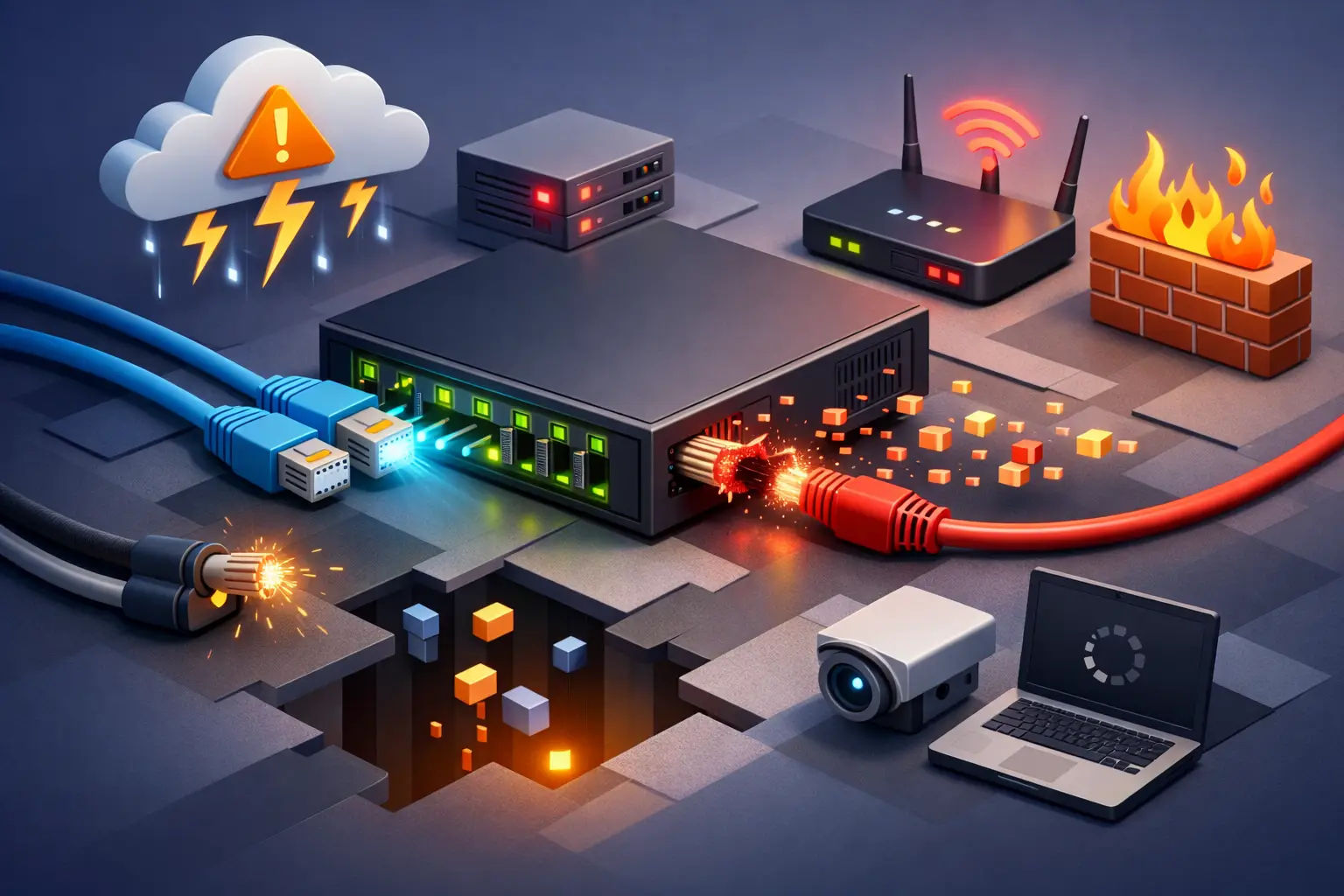
The most common causes are Wi-Fi interference, overloaded network equipment, faulty cables or hardware, network congestion, software configuration issues and faults affecting the connection beyond your site. A proper diagnosis looks at the pattern of the problem, not just a single speed test result.
Wi-Fi interference and weak signal
For homes and offices, Wi-Fi is often the first place to investigate. Wireless signals compete with neighbouring networks and can be weakened by brick walls, concrete floors, metal, appliances and distance from the router. In busy apartment buildings or offices, several nearby routers may be trying to use the same radio channels.
A device may still show that it is connected to Wi-Fi while losing packets. This is why browsing can appear mostly fine, yet Teams calls, VoIP services or gaming feel inconsistent. The 2.4 GHz band reaches further but is usually more crowded. The 5 GHz band can offer more capacity and less interference over shorter distances. Newer equipment may also support 6 GHz, where available, but range and device compatibility still need consideration.
Testing with an Ethernet cable is a useful way to separate a Wi-Fi issue from an internet connection issue. If the wired connection performs consistently while Wi-Fi does not, the broadband service itself may not be the cause.
Congestion at home or in the office
Every modem, router, switch and wireless access point has limits. When too many devices or high-demand applications use the network at once, equipment may queue or drop packets rather than process them in time.
This is particularly noticeable when a connection is uploading heavily. Cloud backups, security camera uploads, large file transfers and off-site data replication can fill the available upload capacity. If voice and video traffic are competing with those uploads, calls may suffer even though the download speed looks healthy.
For a household, pausing a large backup or download may be enough to confirm the cause. For a business, traffic management settings can give critical applications such as cloud PBX, video conferencing and payment systems priority over less time-sensitive traffic. This needs to be configured carefully: prioritisation cannot create extra bandwidth, but it can make better use of the capacity available.
Damaged or poorly connected cables
Ethernet cables and physical connections are easy to overlook because they are out of sight. A bent connector, worn cable, loose wall socket or damaged lead can introduce errors that lead to packet loss. Cables running under desks, through tight spaces or near frequent foot traffic are especially vulnerable.
The same principle applies to the connection coming into the property. Weather, accidental damage, water ingress and ageing infrastructure can affect external cabling and network equipment. On fixed wireless and satellite services, environmental conditions and line-of-sight factors can also influence performance.
Before assuming there is a wider fault, check that cables are firmly seated and that there is no obvious damage. If you have spare, known-good Ethernet leads, swap one component at a time. Randomly changing several things at once can make the real cause harder to identify.
Modem, router and device problems
A modem or router that is overheating, outdated or underpowered can struggle under load. This is more likely in a busy household with many connected devices or a business running cloud applications, VPNs, security services and voice traffic through one unit.
Firmware updates may address known stability or security issues, but an update should be planned sensibly in a business environment. Check compatibility with your service and keep a record of the existing settings before making changes. A restart can clear a temporary issue, although a problem that repeatedly returns after restarting needs further investigation.
The issue may also sit with one computer, mobile or network adapter. If only one device loses connection or experiences poor calls, compare it with another device in the same location. Update its operating system and network drivers where appropriate, and check whether a VPN, firewall or endpoint security setting is affecting traffic.
How network congestion leads to packet loss
Congestion happens when more data is trying to pass through part of a network than it can handle at that moment. It can occur on your local network, within a building, on the access network or at a destination service. It is often time-based, which is why performance may be fine in the morning but poor during a busy evening period.
Not all congestion is equal. A large download might slow down but still complete successfully because it can resend missing data. A voice call cannot wait around for retransmissions without sounding delayed or broken. That is why even modest packet loss can be more disruptive to calls and live video than to email or ordinary web browsing.
Businesses with multiple sites should also consider the route between offices and cloud platforms. A standard broadband connection may suit general internet access, while a private fibre service, enterprise ethernet or SD-WAN design may be more appropriate where critical applications need predictable performance, failover options and central visibility.
Problems beyond your premises
Sometimes the fault is not in your equipment. An issue can occur on the access network, at a network exchange, within an upstream provider’s systems or at the server you are contacting. If only one website, game server or overseas application is affected while other services work normally, the cause may be outside your local connection.
This is where clear evidence helps. Note the time of day, the affected applications, whether every device is affected, whether the issue occurs over Ethernet as well as Wi-Fi, and whether it is constant or intermittent. For business customers, recording the impact on phones, VPNs or key cloud services also helps support teams assess urgency and isolate the affected path.
How to check for packet loss before calling support
Start by narrowing the scope. Test a second device, preferably connected by Ethernet directly to the router. Temporarily stop large uploads, backups and downloads. Move a Wi-Fi device closer to the router and compare the result. If the issue disappears, improve Wi-Fi coverage with better router placement or appropriately positioned access points rather than assuming a faster plan alone will solve it.
Next, restart the modem or router once if it has been running for a long time, then check its status lights and connection logs if you are comfortable doing so. Avoid factory-resetting equipment unless advised, particularly when it has business phone, static IP, VPN or managed security settings.
If packet loss persists across multiple wired devices, at different times and across several services, contact your provider with the details you gathered. A support team can run line and service checks, review connection history and advise whether further testing, equipment replacement or network fault escalation is needed.
For Australian homes, reliable internet usually begins with good local setup: sensible router placement, quality cabling and enough capacity for the way the household uses the connection. For organisations, it also means designing for continuity, with suitable hardware, traffic policies and a backup path where downtime has real cost.
Packet loss is not always a sign that you need a new plan or a new router. It is a signal to trace the path methodically. With a few targeted checks and the right local support, you can identify the weak point and get calls, work and everyday connectivity back on steady ground.