
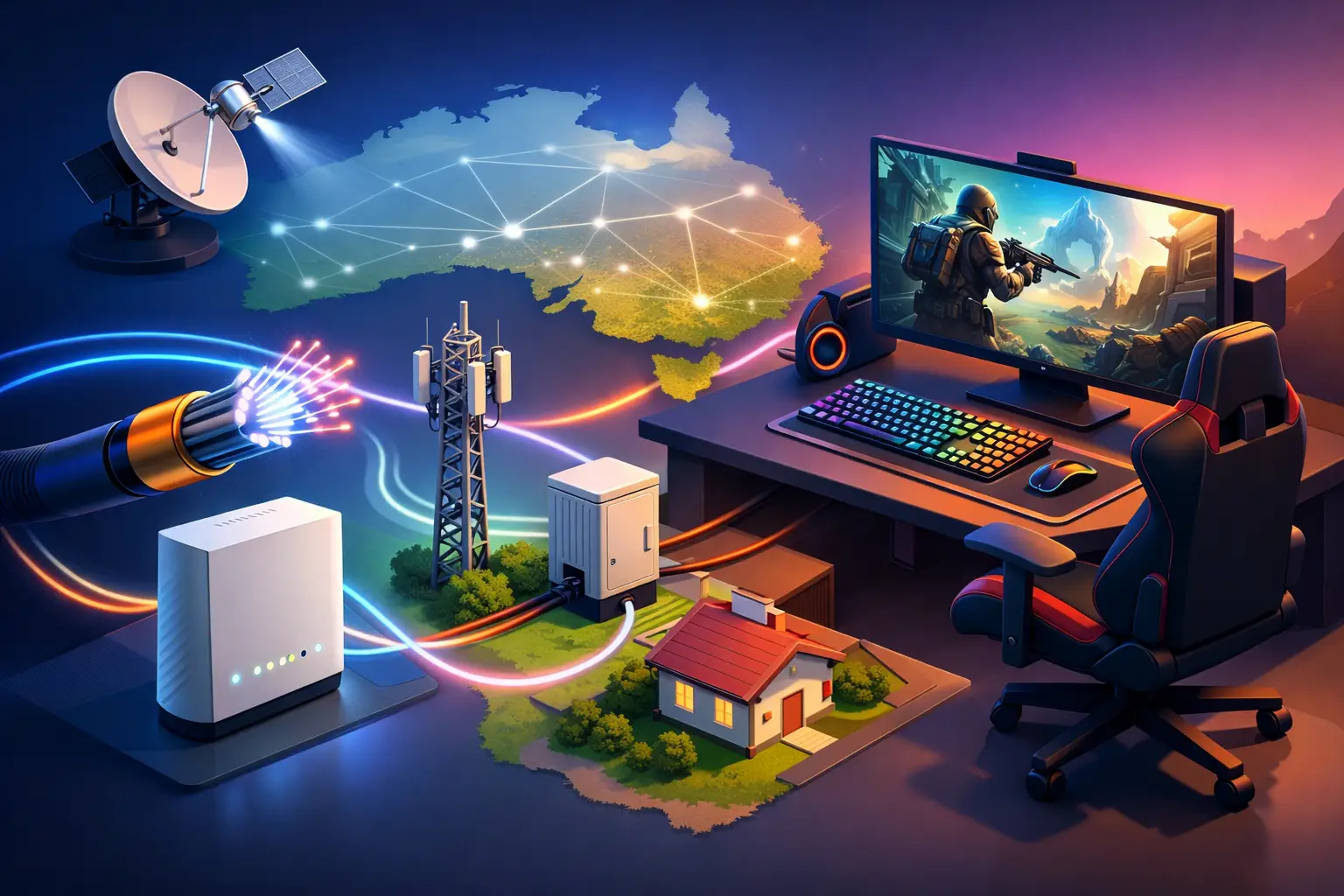
A match can be decided in milliseconds. If your game freezes as you enter a firefight, or your voice chat turns robotic whenever someone starts streaming in the next room, the question is not simply how many Mbps your plan offers. It is which NBN technology suits gaming at your address, how consistently it performs at busy times, and how your home network is set up.
For Australian gamers, fibre-based NBN connections usually offer the best path to low-latency, reliable play. But the right answer still depends on what is available at your premises, the games you play, the number of people online, and whether you are using Wi-Fi or Ethernet. Here is how the main NBN technologies compare in real gaming terms.
What gamers need from an internet connection
Download speed gets most of the attention, and it does matter. Modern games can be 100GB or more, while regular updates can be sizeable enough to fill an evening on a slower connection. Yet once a game is installed, competitive online play generally uses far less bandwidth than people expect.
Latency, or ping, is often the bigger factor. It measures the time it takes for data to travel between your device and the game server. Lower and more stable latency makes movement, hit registration and voice chat feel more responsive. A connection with a slightly higher ping that stays consistent can feel better than one that swings wildly between low and high numbers.
Jitter is the variation in latency, while packet loss occurs when bits of data do not reach their destination. Both can cause rubber-banding, delayed actions and unexpected disconnects. Upload performance also matters more than it used to, particularly for gamers who stream, share files, use voice chat or play while others in the household are on video calls.
Which NBN technology suits gaming best?
If it is available at your address, Fibre to the Premises, or FTTP, is generally the strongest NBN option for gaming. It uses fibre all the way to the building, which supports high speeds, strong upload performance and dependable low-latency connections. It is particularly well suited to households where gaming competes with 4K streaming, remote work, smart home devices and large game downloads.
Hybrid Fibre Coaxial, or HFC, is also a very capable choice. It uses fibre to the local network and a coaxial cable connection for the final section to your home. A well-performing HFC service can provide excellent download speeds and a responsive gaming experience. For many metropolitan homes, it is more than enough for console and PC gaming, provided the chosen speed tier meets the household’s wider needs.
Fibre to the Curb, or FTTC, can deliver a good experience too. Fibre runs close to the property, with only a short section of existing copper completing the connection. Performance is often solid, although it can vary depending on the quality and length of that copper line. If an FTTC address has an available fibre upgrade, it may be worth considering for households that want more consistent performance and faster upload capacity over the long term.
Fibre to the Node, or FTTN, is the most variable fixed-line option for gamers. Fibre reaches a neighbourhood node, then copper carries the service to each home. The distance from the node and condition of the copper line can affect attainable speeds and stability. Some FTTN services perform well, but others may struggle to reach higher speed tiers or maintain consistency during heavy use. Check the speed estimate for your specific address rather than assuming every FTTN connection will perform the same.
Fixed wireless and satellite for regional gaming
NBN Fixed Wireless has improved considerably and can be a practical option for regional and rural homes where fixed-line technologies are unavailable. Its performance depends on local network capacity, signal conditions and the equipment at your property. It can support everyday online gaming, especially when the connection is clear and the network is not heavily loaded, but latency is usually less predictable than on fibre or HFC.
Sky Muster satellite provides an essential connection for remote Australians beyond the reach of other services. It can handle many online activities, including game downloads and casual multiplayer gaming. However, the distance data must travel to and from the satellite creates noticeably higher latency. Fast-paced competitive games may feel delayed, while turn-based, strategy and slower-paced games are generally more forgiving.
The practical ranking is usually FTTP first, then HFC and FTTC, followed by FTTN where line conditions are favourable. Fixed wireless can be a good regional solution, while satellite is the vital option for locations with no practical terrestrial alternative. Availability always comes first: the best technology is not helpful if it cannot be supplied to your address.
Choose a speed tier for the whole household
A single player gaming online does not necessarily need a top-tier plan. In many cases, a reliable 50 Mbps service can handle gameplay comfortably. The issue arises when the rest of the household is busy at the same time.
A 100 Mbps plan is often a sensible starting point for a family with multiple devices, regular streaming and game downloads. It gives more headroom when someone is updating a game while another person is watching high-resolution video or working from home. Higher speed tiers can make a major difference to download times and help busy homes avoid congestion created within their own connection.
For serious gamers, do not overlook upload speed. Faster uploads can support cleaner game streaming, quicker cloud saves, smoother video calls and better performance when several people are sending data at once. Compare the included upload speed, not just the large download figure on a plan.
Your Wi-Fi can be the real weak point
Even the best NBN technology cannot fix a poor in-home network. If your console or PC is connected over weak Wi-Fi, high ping and dropouts may be caused by the distance to the modem, walls, interference or an older router rather than the NBN service itself.
Where possible, connect a gaming PC or console to the modem or router with Ethernet. A wired connection is usually more stable and has lower local latency than Wi-Fi. If Ethernet is not practical, place the router in a central, open position rather than inside a cupboard or at one end of the house. Modern Wi-Fi equipment, particularly Wi-Fi 6-capable hardware, can also improve performance in busy households with many connected devices.
It is worth checking what happens when problems occur. If ping rises only when another person begins a download or stream, the issue may be competition for bandwidth in the home. If the problem affects every device at random times, test with an Ethernet cable and contact your provider with the results. Clear troubleshooting makes it easier to identify whether the cause is Wi-Fi, equipment, internal wiring or the service itself.
Do game servers and location matter?
Yes. Your NBN connection is only one part of the route. A Sydney-based game server will usually offer lower latency to an Australian player than a server in North America or Europe, regardless of whether you have FTTP or HFC. Some games automatically choose a server, while others let you select an Australian or Oceania region manually.
The game itself also matters. A turn-based title can remain enjoyable at higher latency, while a first-person shooter, fighting game or racing simulator is far more sensitive to delay and jitter. If competitive play is your priority, test your connection at the times you normally play and use the in-game network statistics where available.
A reliable connection is more valuable than a headline speed
For gaming households, the best result comes from matching the available NBN technology with a realistic speed tier and a properly configured home network. FTTP is the leading choice where available, HFC is highly capable, and the other technologies can still deliver enjoyable online gaming when expectations and setup are right.
At InfiNET Broadband, local Aussie support can help you assess the connection options at your address and choose a plan that suits the way your household actually uses the internet. Before your next big game download, check your available technology, connect your main gaming device by Ethernet where possible, and give your connection enough room for everyone else online.