
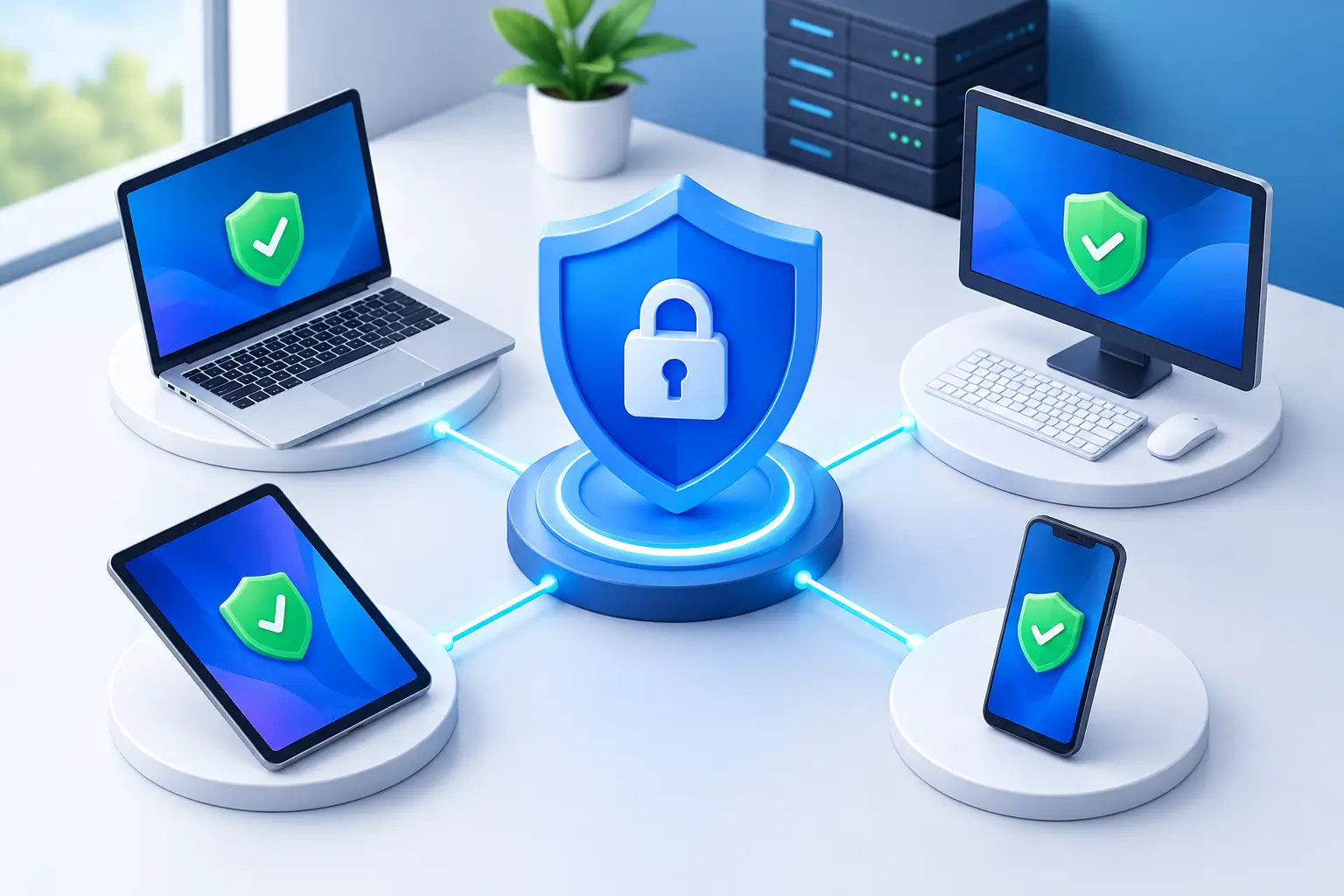
A single compromised laptop can interrupt far more than one employee’s work. It can expose customer records, lock shared files with ransomware, provide a path into cloud systems or take down a business phone and internet environment at the worst possible time. The best endpoint security features help Australian businesses prevent that chain reaction, while giving IT teams clear visibility when something does not look right.
Endpoints are the devices people use to get work done: desktops, laptops, mobiles, tablets, servers and, in some environments, point-of-sale terminals or specialised operational equipment. As staff work across offices, homes, warehouses and regional sites, these devices sit at the edge of your network. They need protection that travels with them.
What the best endpoint security features should do
Endpoint security is not just traditional antivirus with a new label. Antivirus remains useful for identifying known malicious files, but modern threats often rely on stolen passwords, unpatched software, deceptive emails and legitimate tools used in the wrong way. A worthwhile endpoint solution should prevent common attacks, identify suspicious activity early and help your business recover quickly if an incident occurs.
The right mix depends on your organisation. A small professional services firm may need straightforward protection for staff laptops and Microsoft 365 access. A multi-site business with remote teams, cloud applications and sensitive customer data will usually need centralised management, stronger monitoring and a documented response process. The aim is the same: keep people productive without making security difficult to use.
Next-generation malware protection
Basic signature-based scanning catches malware that is already known. Next-generation protection adds behaviour-based detection, which looks for suspicious actions rather than relying only on a recognised file. For example, it may identify a program attempting to encrypt large numbers of files, alter security settings or launch unusual processes in the background.
This matters because new ransomware variants and fileless attacks can move quickly. Behavioural controls give security teams a better chance of stopping an attack before it spreads through shared drives, cloud folders or connected systems. Look for protection that scans files, downloads, email attachments and web activity without creating a noticeable burden on everyday work.
Endpoint detection and response
Endpoint detection and response, commonly called EDR, records meaningful device activity and flags behaviour that could indicate a compromise. It can show which process started an unusual action, what files were affected, whether a suspicious connection was made and which other devices may be at risk.
EDR is especially valuable after prevention controls have been bypassed. A staff member may enter credentials into a convincing phishing page, or a legitimate software tool may be misused by an attacker. With EDR, an authorised administrator can investigate the event and isolate the affected device from the network while maintaining enough access to diagnose and remediate the issue.
For businesses without an internal security team, consider whether the service includes managed monitoring. Alerts alone do not protect a business if nobody has the time or expertise to assess them promptly.
Ransomware protection and recovery controls
Ransomware remains one of the clearest tests of endpoint security. Strong protection should detect rapid file encryption, suspicious changes to files and attempts to disable security tools or delete backups. Some platforms can automatically stop the responsible process and isolate the device to limit further damage.
However, endpoint protection is only one part of ransomware resilience. Businesses should also maintain secure, tested backups that are separated from day-to-day network access. If backups are online, untested or accessible with the same administrator credentials used across the business, they may be compromised alongside production systems.
A practical recovery plan identifies who can make decisions during an incident, how staff will communicate if usual systems are unavailable and how critical services will be restored. For a business that relies on cloud phone systems, online bookings or remote access, downtime planning deserves as much attention as malware prevention.
Patch and vulnerability management
Many attacks take advantage of known weaknesses in operating systems, browsers, VPN software and commonly used applications. Patch management helps ensure updates are applied consistently across devices, including laptops that rarely connect to the office network.
The best endpoint security features often include vulnerability reporting, so administrators can see where outdated software or unsafe settings create risk. This makes patching more targeted. Instead of relying on staff to click update prompts, your business can prioritise high-risk vulnerabilities and confirm whether updates were installed successfully.
There is a trade-off to manage. Applying every update immediately can occasionally disrupt specialised software or business-critical equipment. A sensible approach is to test significant updates where possible, apply urgent security fixes quickly and maintain a clear schedule for routine maintenance. Leaving devices unpatched for months is rarely an acceptable alternative.
Essential controls around the endpoint
Endpoint protection works best when it is paired with a few supporting controls. These are not separate from endpoint security in practice – they reduce the opportunities attackers have to reach or misuse a device.
- Multi-factor authentication reduces the damage that can result from a stolen password. It is particularly important for email, cloud storage, remote access and administrator accounts.
- Least-privilege access gives staff only the permissions they need. Everyday users should not routinely operate with local administrator rights.
- Web and email filtering can block known malicious destinations, phishing pages and unsafe attachments before they reach the endpoint.
- Device encryption protects data if a laptop is lost, stolen from a vehicle or left in the wrong place.
- Centralised reporting provides a current view of device health, security alerts, update status and coverage gaps.
These controls are most effective when managed from a single console or service. If a device is missing, a staff member leaves, or a new threat emerges, your team needs to know which endpoints are protected and which require action.
Choosing features for remote and multi-site teams
Australian businesses often have teams spread across suburbs, states and regional locations. Some employees use home internet, some travel regularly and others work from sites with limited connectivity options. Security needs to function consistently regardless of where a device connects.
Cloud-managed endpoint protection is useful here because policies, updates and alerts can be applied remotely. A device should not become invisible simply because it has not visited head office. Remote isolation is also important: if a laptop appears compromised, an administrator can restrict its network communications while the employee keeps working offline or receives support.
For organisations using private fibre, SD-WAN or managed firewall services, endpoint security should complement network protections rather than duplicate them. Firewalls can inspect and control traffic between networks. Endpoint tools can see what is happening on the device itself. Together, they provide stronger coverage when staff access cloud services directly or work beyond the office perimeter.
Avoid features that create blind spots
More features do not automatically mean better security. An overly complex platform may generate a constant stream of low-value alerts, leading staff to ignore warnings that matter. Equally, a cheap solution that only reports problems without providing investigation or response support can leave a small business exposed.
Ask practical questions before selecting a service. Can you see every enrolled device and its protection status? Can a compromised device be isolated remotely? Does the solution protect Windows, macOS and mobile devices where required? Who responds after hours if a serious alert appears? How are updates, reporting and user access managed?
Also check whether endpoint security will coexist with your existing software. Running multiple antivirus products on the same device can cause performance issues and unreliable results. A planned transition, clear policies and local support help avoid disruption.
Security that supports business continuity
The purpose of endpoint protection is not to make work harder. It is to keep staff, systems and customer information available when your business needs them. The strongest approach combines capable endpoint tools with secure identity controls, patching, backups, user awareness and people who can respond when an issue is detected.
For many Australian businesses, the practical next step is an endpoint review: confirm what devices you have, who manages them, whether they are updated and what would happen if one was compromised tomorrow. InfiNET Broadband can help businesses align endpoint protection with reliable connectivity, managed security and responsive local support, so security becomes part of keeping the business running.