
A suspicious email gets through. An employee opens the attachment, a program starts running in the background, and the attacker begins looking for passwords, shared files or a path to another device. In an EDR vs antivirus comparison, the real question is not which tool has a better label. It is whether your business can stop, investigate and recover from that scenario before it disrupts operations.
For Australian businesses, endpoints are everywhere: office desktops, staff laptops, mobiles, servers and work-from-home devices. Fast, reliable connectivity keeps people productive, but it also means a security incident can spread quickly. Antivirus remains useful, yet many organisations now need more visibility and response capability than a traditional antivirus product can provide.
EDR vs antivirus: the key difference
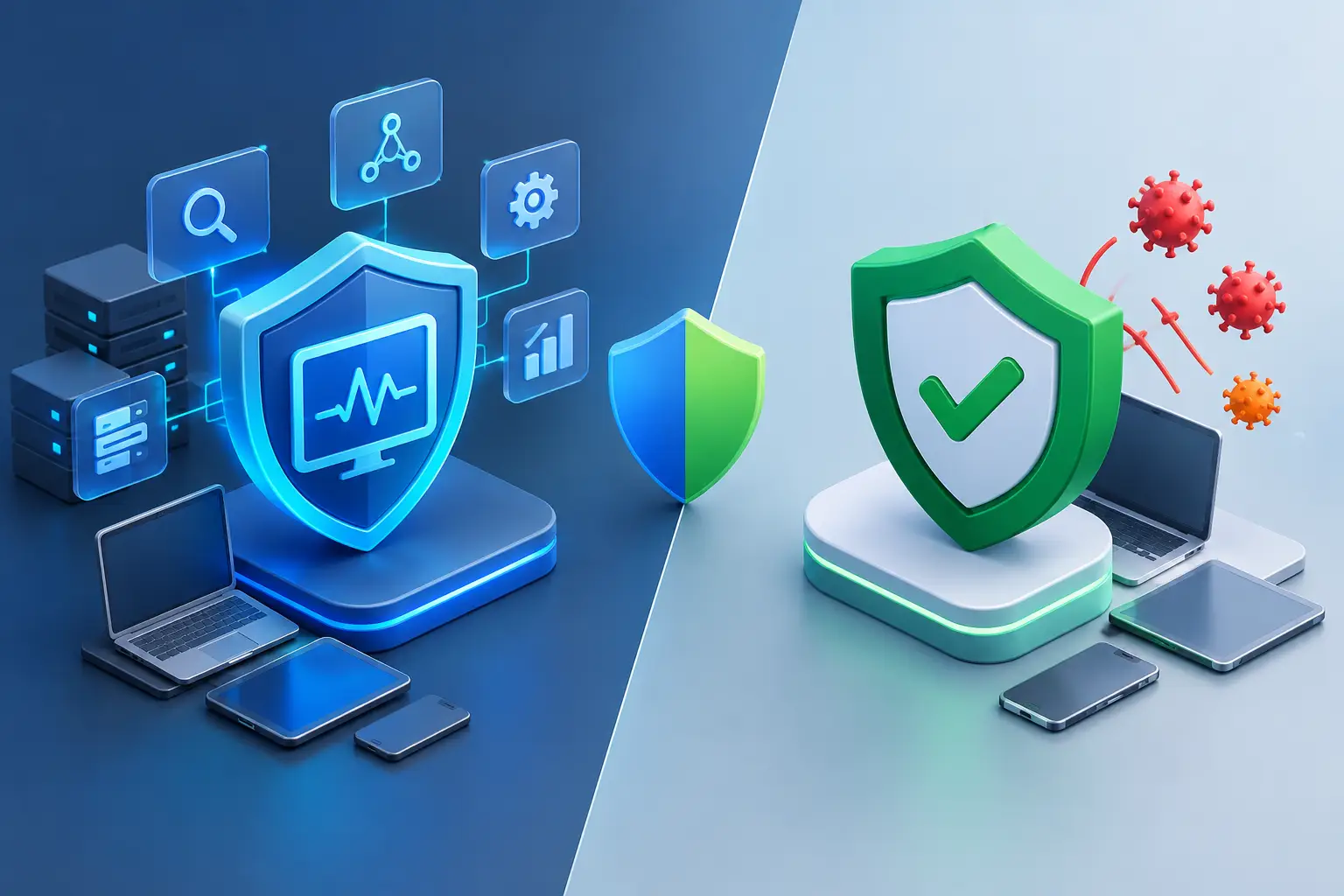
Antivirus is designed primarily to prevent known threats from running on a device. It scans files, applications and downloads for malicious code or suspicious behaviour, then blocks or quarantines what it finds. It is a core protective layer and remains a sensible baseline for virtually every business endpoint.
Endpoint Detection and Response, or EDR, goes further. It continuously collects and analyses endpoint activity so security teams can identify suspicious behaviour, investigate what happened and respond quickly. Depending on the platform and service, that response may include isolating a compromised device from the network, terminating a malicious process, removing persistence mechanisms or rolling back selected changes.
The difference is easiest to see after an attack begins. Antivirus asks, “Can I prevent this known or clearly malicious item from running?” EDR also asks, “What did this process do, where did it come from, what else did it touch, and how do we contain it?”
That does not make antivirus obsolete. Modern endpoint protection products often include behavioural detection, web filtering and ransomware protection. Meanwhile, many EDR solutions include prevention features. The names can overlap, so the practical distinction is the depth of visibility, investigation and response your business receives.
What antivirus does well
A properly managed antivirus solution is effective at reducing day-to-day risk. It can block known malware, scan attachments and downloads, detect common malicious patterns and alert administrators when a device needs attention. For households, sole traders and very small businesses with straightforward IT needs, it may be the right starting point.
Antivirus is also usually simpler to deploy and operate. It requires less specialist knowledge, creates fewer alerts and costs less than a full EDR deployment. If your business has limited endpoints, no sensitive customer data and a modest risk profile, a quality antivirus product with automatic updates may be proportionate.
However, antivirus has limits. Attackers regularly use new malware variants, legitimate remote-management tools, stolen credentials and fileless techniques that do not look like a conventional malicious file. A user who signs into a convincing fake Microsoft 365 page, for example, may hand over credentials without downloading malware at all. Antivirus alone may not give your team enough information to spot the follow-on activity.
Where EDR earns its place
EDR is built for the period when prevention is not enough. It records detailed endpoint telemetry, such as process activity, command-line actions, network connections, file changes and user behaviour. This gives IT teams a timeline rather than a single alert.
Consider a staff member whose laptop begins running an unfamiliar script shortly after opening an email attachment. Traditional antivirus may block it, or it may generate a warning with limited context. An EDR platform can help show which email or download started the event, which account ran it, whether it contacted an external server, whether it accessed shared drives and whether other endpoints show the same indicators.
That context matters during an incident. Rather than disconnecting every device and hoping the issue is contained, an authorised administrator can isolate the affected endpoint while preserving the evidence needed for investigation. The rest of the business can continue operating with less disruption.
For businesses with customer records, financial data, intellectual property, multiple offices or remote workers, this capability is often worth the additional investment. It supports faster decisions when every minute of downtime affects customers, staff and revenue.
EDR is not a set-and-forget tool
EDR produces richer data, but richer data needs attention. Alerts must be reviewed, incidents investigated and response actions approved or automated carefully. A poorly configured EDR platform can create alert fatigue, while an unmanaged platform may leave meaningful warnings unseen.
This is why the operating model matters as much as the technology. Larger organisations may have internal security staff who can monitor and tune EDR. Small and mid-sized businesses often benefit from a managed endpoint security service, where experienced technicians help monitor alerts, apply policy and escalate genuine threats.
Choosing between antivirus and EDR
The right choice depends on the consequences of a compromised device, not simply the number of staff. A two-person accounting practice holding sensitive client data may need stronger controls than a larger business with low-risk endpoints. Equally, an organisation with complex systems may need EDR but still require a staged rollout to avoid disrupting critical software.
Start by considering how your team works. If staff use cloud applications, connect remotely, access company data from laptops or share files across locations, your endpoint risk extends beyond the office. If a device is compromised, ask whether you could identify the scope of the incident within hours rather than days.
Your decision should also account for these practical factors:
- Business impact: What would a ransomware event, stolen mailbox or unavailable server cost in lost productivity, recovery work and customer confidence?
- Data sensitivity: Personal information, payment data, health records and confidential commercial documents require stronger protection and clearer incident response processes.
- IT capability: Determine who will monitor alerts, investigate threats and act outside business hours.
- Endpoint mix: Include Windows and Mac computers, servers, mobiles, virtual machines and devices used by remote staff.
- Existing controls: Multi-factor authentication, regular patching, backups, email filtering and firewall policies all affect the level of protection required.
For many small businesses, the answer is not strictly antivirus or EDR. A sensible approach is managed endpoint protection that combines prevention with EDR-level detection and response features, aligned to the business’s budget and internal capability.
Security works best in layers
Neither EDR nor antivirus can compensate for every security gap. Endpoint protection is one layer in a wider plan that should include strong passwords, multi-factor authentication, timely software updates, secure backups and staff awareness training.
Email remains a common entry point for cybercrime, so filtering suspicious messages and teaching staff how to verify payment changes, login prompts and unexpected attachments are practical safeguards. Backups should be separated from day-to-day systems and tested regularly. A backup that has never been restored is not yet a recovery plan.
Network security matters too. A correctly configured firewall, secure remote access and network segmentation can limit an attacker’s ability to move from one device to another. For multi-site businesses, managed firewall and SD-WAN services can provide more consistent security policies across offices, warehouses and remote locations.
Reliable local support is particularly valuable when an incident occurs. Technology can generate an alert, but someone still needs to make a sound decision about containment, business continuity and recovery. InfiNET Broadband can help businesses align connectivity, managed security and endpoint protection so those conversations do not begin only after something goes wrong.
Questions to ask before selecting a solution
Before committing to a product or managed service, ask what is actually included. Does the solution only alert you, or can it isolate a device and assist with remediation? Are servers covered as well as user devices? Is monitoring available after hours? How long is endpoint activity retained for investigation? And will the provider help configure policies around your business applications and workflows?
Also confirm that the solution does not become a blind spot itself. Endpoint agents need regular updates, central management and clear ownership. Staff should know whom to contact when they receive a security prompt, lose a device or suspect their account has been accessed.
The best security choice is the one your organisation can operate consistently. Antivirus may be enough for low-risk environments with strong basic controls. EDR is a better fit where downtime, data exposure or lateral movement would create serious consequences. Either way, make endpoint security part of your continuity planning, not just another software renewal.