
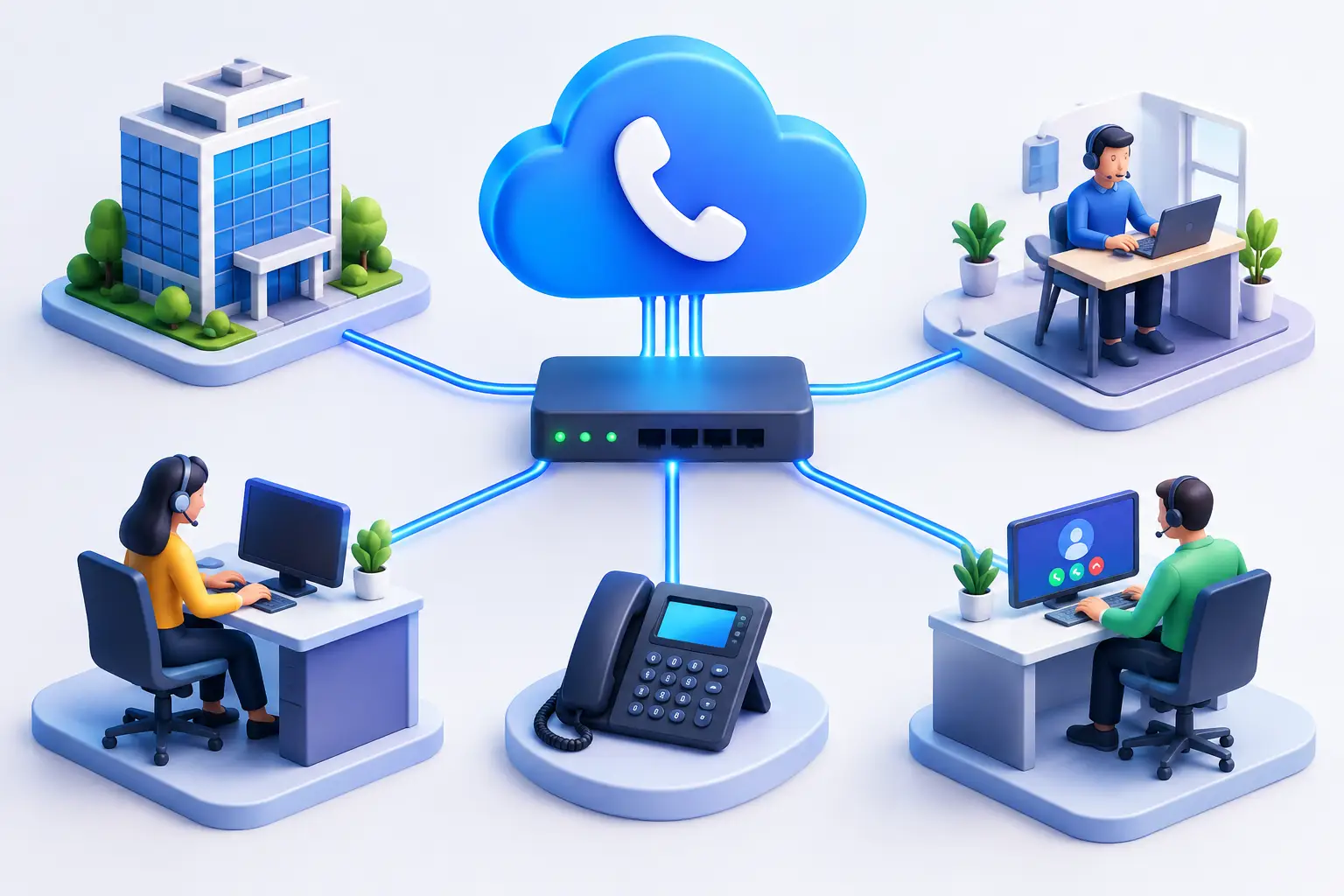
A phone system should not become the weak point in an otherwise capable business network. If you are working out how to set up SIP trunking, the goal is straightforward: connect your business phone system to the internet in a way that delivers clear calls, flexible capacity and a reliable path for customers to reach your team.
SIP trunking replaces traditional phone lines with virtual voice channels delivered over an internet connection. It can suit a small office with a handful of handsets, a multi-site business moving to cloud PBX, or an organisation that needs to retain existing numbers while improving call capacity. The right setup depends on your phone platform, internet connection and continuity requirements.
Start with the phone system and call requirements
Before ordering a SIP service, confirm what will connect to it. A SIP trunk can work with an on-premises IP-PBX, a hosted PBX platform or certain analogue systems using a suitable gateway. Compatibility matters because SIP settings, supported codecs and authentication methods vary between systems and providers.
Then assess how your business actually uses the phone. The number of staff is useful, but concurrent calls are more important. A team of 20 people may only need five concurrent call paths if most calls are short and staggered. A busy reception, medical practice, trades business or contact centre may need considerably more capacity, especially during peak periods.
Consider incoming and outgoing calls separately. You may need a main business number, direct numbers for staff or departments, and a plan for after-hours routing. If several people need to call at once, make sure your service includes enough channels so calls are not met with an engaged tone.
Check whether your connection is ready for voice
SIP calls use relatively little bandwidth, but they are sensitive to quality. Voice needs low latency, low jitter and minimal packet loss. A connection can feel fast for browsing and still produce choppy audio if the network is congested or poorly configured.
As a practical starting point, allow roughly 100 kbps in each direction per concurrent call when using a common high-quality codec and allowing for network overhead. This is not a substitute for a proper assessment. Video meetings, cloud backups, large file transfers and guest Wi-Fi can all compete with phone traffic during the working day.
For business-critical calling, use a dependable business-grade connection and configure quality of service, often called QoS, on the router or firewall. QoS gives voice traffic priority over less time-sensitive data. A managed router, SD-WAN service or properly configured firewall can make a material difference when an office is busy.
Where call continuity is essential, consider a secondary connection. Fixed wireless, a separate NBN service or mobile data failover may keep calls operating if the primary service has an outage. The best option depends on the site, available infrastructure and how long your business can operate without its usual connection.
Choose the right SIP trunk configuration
SIP trunks are commonly configured in one of two ways. Registration-based trunking has the PBX register to the provider using a username and password. IP-authenticated trunking identifies the service through your approved public IP address. Both can work well, though IP authentication is often preferred for fixed business sites because it can simplify control over where calls originate.
You will also need to choose your numbers. A new geographic number may be suitable for a new business or new location. If customers already know your existing number, number porting is usually the better choice. Keep the current service active until the port has completed and the new setup has been tested. Cancelling too early can risk losing the number or interrupting incoming calls.
Talk through emergency calling requirements at this stage. Emergency service address information must be accurate, particularly if your business has multiple locations, relocates staff or uses a cloud phone system. A SIP service is not simply a replacement for an old phone line – it needs to reflect where callers are located and how your organisation responds during an emergency.
How to set up SIP trunking on your PBX
Once the service and network are ready, the configuration work can begin. Exact menus differ between phone systems, but the process follows a similar path.
First, enter the SIP server details supplied by your provider. This usually includes the registrar or proxy address, the outbound proxy where required, authentication credentials or approved IP address, and the preferred transport protocol. Avoid copying generic settings from online forums. Your provider’s settings should match the service you have ordered.
Next, set the outbound caller ID. This is the number customers see when your team makes calls. Some businesses display their main office number; others assign direct-in-dial numbers to individual staff. Make sure the displayed number is authorised for your SIP service, otherwise calls may fail or present incorrectly.
Configure dial plans and call routes after the trunk is connected. These rules tell the PBX which calls should leave through the SIP trunk, how numbers are formatted and what happens if a route fails. Australian dialling patterns should be handled consistently, including local, national, mobile and international calls. If your team uses prefixes to select a line or restrict premium call types, include those rules from the outset.
Finally, create inbound routes. Direct incoming numbers can ring a receptionist, queue, hunt group, auto attendant or individual extension. Your main number might send callers to a welcome message during business hours and an after-hours message outside those times. Build routes around the way customers expect to reach you, not merely around the default settings in the PBX.
Secure the service before opening it to daily use
Internet-based phone systems need the same care as other business systems. SIP fraud can occur when an exposed PBX is accessed by an unauthorised party and used to make expensive calls. The consequences can be significant if controls are missing.
Use strong, unique SIP credentials and change default administrator passwords on the PBX, router and handsets. Limit access to approved IP addresses where possible, and avoid exposing the phone system directly to the public internet. Your firewall should permit only the required voice traffic, while remote administration should be protected with multi-factor authentication or a secure VPN.
Set sensible call permissions as well. Not every extension needs international calling, and unusual call patterns should trigger alerts. Spending limits, time-of-day restrictions and destination controls are practical safeguards, particularly for businesses that do not regularly call overseas.
Keep the PBX, firewall and handset firmware current. Updates often address security issues as well as interoperability problems. If internal resources are limited, managed support can provide a clearer ownership model for monitoring, updates and fault resolution.
Test real call scenarios, not just dial tone
A successful registration does not prove the service is ready. Test incoming and outgoing calls from several handsets, including calls to mobiles and interstate numbers. Check that caller ID displays correctly and that transferred calls, hold music, voicemail, queues and auto attendants behave as expected.
Make test calls while the office is under normal load. Listen for delay, echo, clipping or one-way audio. One-way audio is a common configuration issue where one party can hear but cannot be heard, often related to firewall or NAT settings. It should be resolved before the system goes live.
Test failure scenarios too. If your connection drops, does the SIP provider divert calls to a mobile, another site or an answering service? If the office loses power, can key staff still receive priority calls? These decisions turn a phone service into a genuine business continuity plan.
Plan the cutover around your business hours
For a simple new installation, activation can be quick. Porting existing numbers or replacing a larger phone system needs more planning. Schedule the cutover when call volumes are lower, nominate a person who can approve changes, and make sure staff know how to use new handsets or softphones before the switch.
Keep a short fallback plan available on the day. This may include forwarding the main number, using mobiles for priority calls or retaining temporary access to the old system until the new call paths are confirmed. Clear communication is just as valuable as technical preparation when customers need to reach you.
A well-configured SIP trunk gives your business room to grow without adding physical phone lines each time your needs change. With the right connectivity, security controls and local support behind it, your phone system can remain dependable when your customers need it most.