
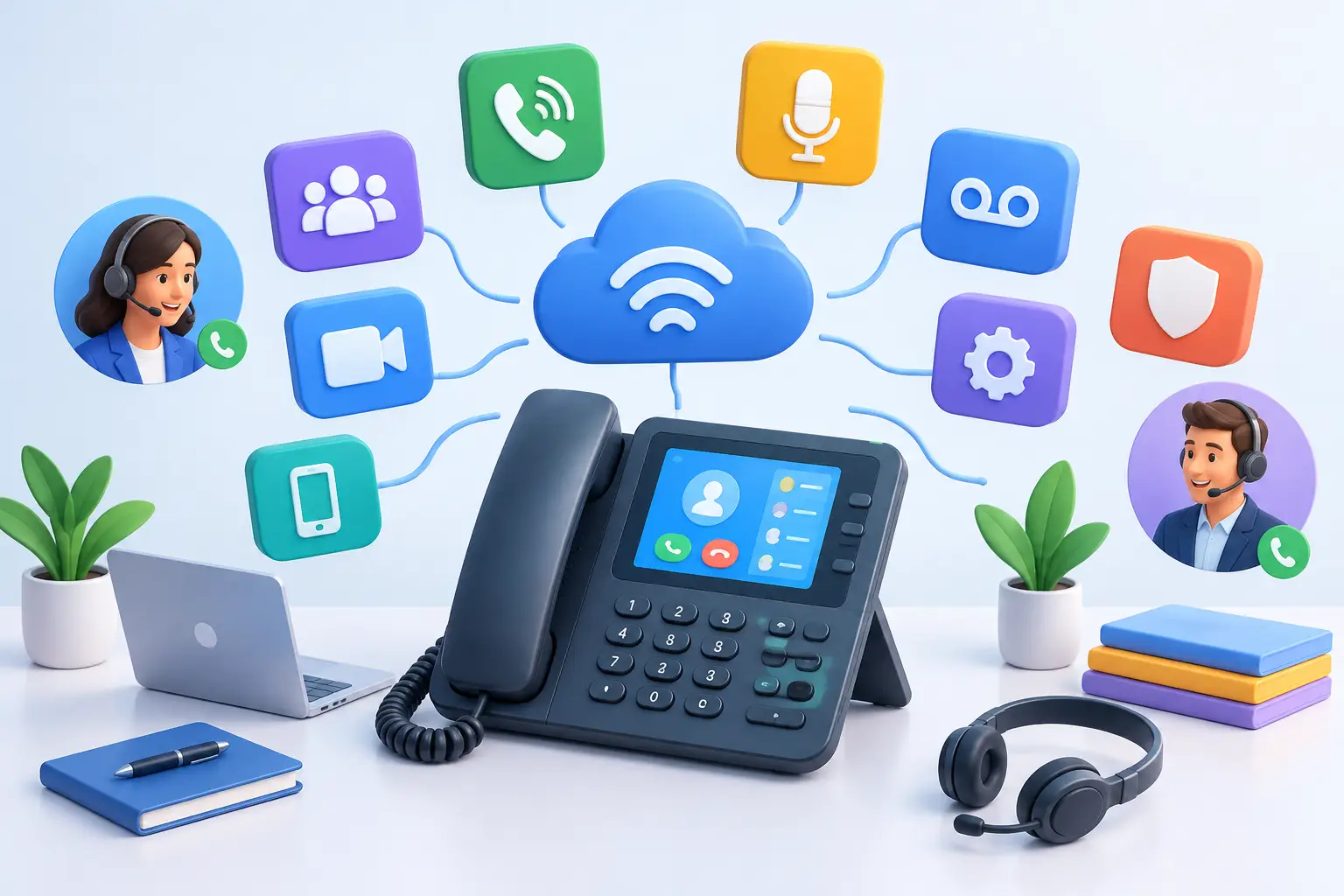
A business phone system is often tested at the worst possible time: when a major customer calls during an outage, a team member is working from home, or a site needs to redirect calls without disrupting service. The best business phone system features are the ones that keep your business reachable, professional and productive when conditions are less than perfect.
For Australian businesses, the right system should do more than replace desk handsets. It should support how your people actually work across offices, home locations, warehouses, worksites and mobiles, while giving customers a consistent experience every time they call.
1. Clear, dependable call quality
Call quality comes first because every other feature is secondary if callers cannot hear your team properly. A business-grade service should deliver clear voice calls with minimal delay, drop-outs or distortion.
Your underlying internet connection matters here. Voice services share capacity with video meetings, cloud software, large uploads and everyday browsing, so a busy office may need more than a standard broadband plan. Assess the number of simultaneous calls your business expects at peak times, not just the number of staff on the payroll.
2. Cloud PBX flexibility
A cloud PBX moves the intelligence of your phone system into the cloud rather than keeping it tied to an on-site phone server. That means new users, call flows and locations can generally be configured without major hardware changes.
This is particularly useful for growing businesses, multi-site operators and teams with a mix of office-based and remote staff. It also gives you more control when moving premises or opening a new location. The trade-off is that cloud calling relies on a stable connection, making dependable internet and sensible network setup essential.
3. Intelligent call routing
Customers should reach the right person without being passed around the business. Auto attendants, call menus and time-based routing let you direct calls to sales, accounts, support or specific locations from a single main number.
Look for routing rules that can change after hours, on public holidays or during peak periods. A plumbing business might send out-of-hours calls to an on-call mobile, while a professional services firm may direct them to a voicemail service with clear next-step instructions. Simple routing done well makes a small team sound organised without making callers work through a complicated menu.
4. Call queues and hold handling
When all staff are busy, callers need to know they have not been forgotten. Call queues place incoming callers in an orderly line and can provide estimated wait messages, music or recorded information while they wait.
For customer-facing teams, queue settings should be practical rather than overly ambitious. If the queue is regularly full, the issue may be staffing, call handling processes or capacity – not the phone system itself. Reporting on abandoned calls can help identify where customers are giving up before speaking with someone.
5. Mobile and remote-work calling
A business number should not be confined to a desk phone. Mobile and desktop softphone apps allow staff to make and receive work calls from approved devices, whether they are at home, on the road or visiting a client.
The benefit is consistency: customers see the business number rather than an employee’s personal mobile number. It also helps protect privacy and makes it easier to maintain continuity when staff are away. Clear policies still matter, particularly around device security, app updates and who can access customer information from personal devices.
6. Easy call forwarding and failover
No business can guarantee that every site, handset or staff member will always be available. Call forwarding and failover rules are among the best business phone system features because they provide a practical response when something goes wrong.
If an office connection fails, calls can be redirected to mobiles, another branch or a backup team. If a receptionist is unavailable, unanswered calls can ring a group instead of going straight to voicemail. These settings should be planned before an incident, tested periodically and kept current as your team changes.
7. Number portability
Your existing phone number may be printed on vehicles, signage, stationery and online listings. Keeping that number when changing providers or upgrading systems protects the customer familiarity your business has already built.
Check the porting process early, especially if you have multiple numbers, fax services, alarm lines or specialised legacy equipment. Number transfers can take time and depend on accurate account details. A planned transition reduces the risk of missed calls and avoids an unnecessary rush on go-live day.
8. Voicemail that works with your workflow
Voicemail remains useful when it is set up properly. Voicemail-to-email sends audio messages and caller details directly to an inbox, helping staff respond quickly without repeatedly checking a handset.
Shared voicemail boxes can also suit departments such as reception or service teams, where one person should not be solely responsible for return calls. Keep greetings current and specific. A message that confirms business hours and offers an alternative contact option is far more helpful than a generic recording.
9. Call recording and compliance controls
Call recording can support training, quality assurance, dispute resolution and accurate record keeping. For businesses that take orders, provide technical advice or handle sensitive customer conversations, it can be especially valuable.
However, recording introduces obligations. Businesses need to understand applicable privacy requirements, advise callers where required and control who can access recordings. Retention periods should match your operational and compliance needs rather than storing everything indefinitely. The right feature is not simply recording calls – it is managing recordings responsibly.
10. Reporting that leads to action
Good reporting shows more than how many calls came in. It can reveal peak calling times, missed-call patterns, queue wait times, call duration and team availability.
These insights help managers make practical decisions. You may find that reception needs extra coverage between 8:00 am and 9:30 am, or that enquiries are being missed after a new marketing campaign. Reporting is most useful when it is easy to understand and reviewed often enough to change how the business responds.
11. Integration with everyday tools
The value of a phone system increases when it fits into the tools your team already uses. Depending on your operations, that may include CRM software, helpdesk platforms, Microsoft Teams or contact databases.
Click-to-call, caller pop-ups and automatic activity logging can reduce manual admin and give staff useful context before they answer. Not every integration is worth paying for, though. Prioritise the connections that remove a genuine bottleneck, rather than adding complexity for the sake of a longer feature list.
12. Local support and straightforward management
Even an easy-to-use system will occasionally need changes, troubleshooting or expert advice. Local Australian support can make a real difference when you need help with call routing, number porting, handsets or connectivity that affects voice quality.
Choose a provider that can explain the service in plain language, respond when business hours matter and support the broader connection behind your phones. For businesses combining internet, voice and managed networking, having fewer parties involved can simplify fault finding and accountability.
Choosing the right feature set for your business
The right phone system depends on how calls contribute to your operations. A local retailer may mainly need a reliable main number, mobile access and after-hours forwarding. A growing professional firm may benefit from shared reception, CRM integration and call reporting. A multi-site organisation may need centralised call routing, failover and network planning across every location.
Start by mapping the customer journey from the moment someone calls. Consider where calls should go, what happens when nobody answers, how remote staff participate and what should occur if a site loses connectivity. Then match the system to those real-world requirements, with enough room to grow.
A dependable business phone system should make communication easier for customers and less stressful for your team. When it is backed by reliable connectivity, thoughtful configuration and responsive local support, it becomes a practical part of business continuity rather than another system to manage.