
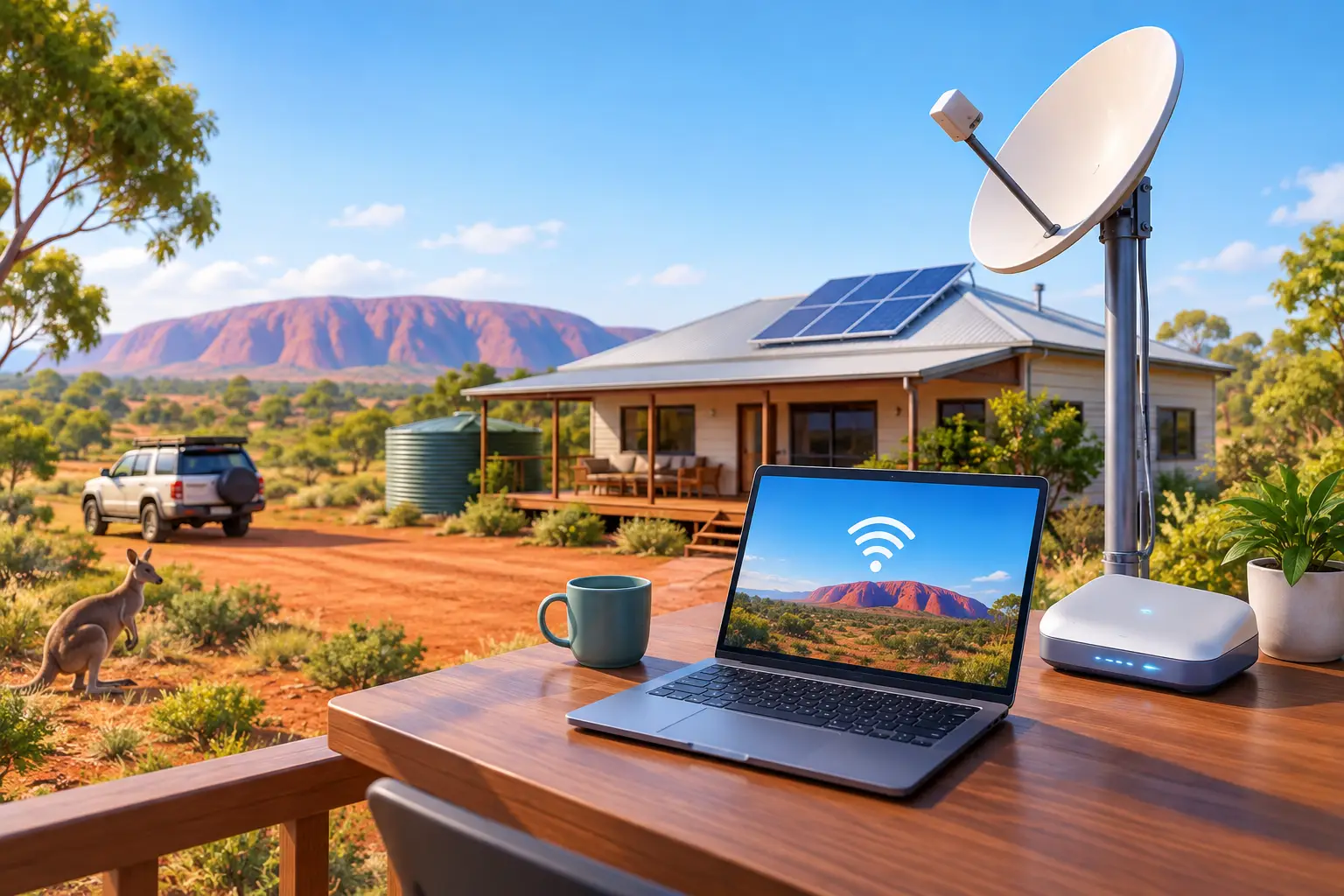
A remote property internet setup is rarely as simple as choosing the fastest plan on a comparison page. Distance from town, terrain, trees, available infrastructure and power reliability can all affect the result. The right approach starts with what is actually available at your address, then builds a connection that suits how your household or business operates.
For some properties, NBN fixed wireless or fibre may be available at the boundary. For others, satellite is the practical answer. The goal is not to chase a particular technology. It is to create dependable access for work, calls, security systems, streaming, online learning and day-to-day communication.
Why remote internet needs a different approach
In metropolitan areas, internet choices often come down to speed, price and provider support. At a rural, regional or off-grid property, the physical site matters just as much. A ridge can improve a wireless signal, while a valley, dense tree cover or nearby structures can reduce it. Long driveways and multiple buildings can also make it harder to carry a good connection from the house to a shed, office or workers’ accommodation.
Reliability matters differently, too. If your connection supports an EFTPOS terminal, cloud software, a VoIP phone system, remote monitoring cameras or staff working from home, an outage can interrupt more than entertainment. It can stop business operations.
That is why a sensible setup considers the internet service, the equipment inside the property and a practical backup plan. A faster connection is valuable, but a stable connection with the right coverage and support is often the better long-term choice.
Remote property internet setup starts with a site survey
Before ordering a service, establish what can genuinely be delivered to the property. Entering an address into an availability checker is a useful first step, but it does not replace a proper discussion about the site. If the address is new, rural or difficult to locate, use the lot number, GPS details or nearby road information where required.
Consider how the connection will be used. A couple checking email and streaming in the evenings have different needs from a farm office uploading files, a holiday rental running smart locks and cameras, or a workshop using cloud-based job systems. Count the people and devices likely to be online at the same time, rather than judging needs by a single speed test.
It is also worth identifying where internet is needed. A modem in the homestead may not provide usable Wi-Fi at a machinery shed 150 metres away. Extending coverage can require outdoor-rated wireless access points, point-to-point links or structured cabling. Standard indoor Wi-Fi extenders are not a reliable solution for large blocks, thick walls or separate buildings.
For a useful pre-installation conversation, have these details ready:
- the full property address and any lot or rural addressing details
- the buildings that need internet access and their approximate distances apart
- whether the site has clear views of the sky or a likely line of sight to a wireless tower
- the services that must stay online, such as phones, cameras, alarms, EFTPOS or cloud systems
- whether mains power is reliable and whether backup power is already installed
Choosing the right connection type
NBN fibre or fixed line services
Where fibre-to-the-premises, fibre-to-the-node, fibre-to-the-building or another fixed-line NBN service is available, it will usually be the simplest option. The connection enters the property through existing network infrastructure, and performance is generally well suited to households and offices with several users.
The trade-off is availability. Fixed-line infrastructure does not reach every remote address, and the technology available can vary from one locality to the next. Check the specific address rather than assuming a nearby town has the same service options.
NBN fixed wireless
NBN fixed wireless can be an excellent fit for regional premises within the coverage footprint. It uses a roof-mounted antenna to connect with a local tower, avoiding the need for a physical cable all the way to the property.
Its performance can depend on tower capacity, local network upgrades and the quality of the installation. Trees, hills and obstructions may affect the signal path. If fixed wireless is available, professional placement of the antenna and modem can make a meaningful difference to everyday reliability.
Satellite internet
Satellite is often the strongest option for properties beyond terrestrial network footprints. It can reach locations where fixed line and fixed wireless services cannot, making it especially useful for remote homes, stations, tourism sites and temporary worksites.
The main consideration is a clear view of the sky. Tall trees, rooflines and surrounding terrain can interfere with the service, depending on the satellite network and installation position. Plans, equipment costs, data policies and expected performance vary, so it is worth selecting a service that matches your usage rather than treating all satellite products as the same.
Satellite can support video calls, cloud access and streaming, but expectations should be realistic. Weather, network demand and the physical site can influence performance. A properly mounted dish, protected cabling and quality internal networking are part of the service, not afterthoughts.
Mobile and 4G or 5G fixed wireless
Where mobile coverage is strong, a 4G or 5G fixed wireless service can be a practical primary connection or backup. This option may suit smaller properties, rental accommodation and sites that need a fast deployment without fixed infrastructure.
Coverage maps are a guide, not a guarantee of indoor performance. Test reception where the equipment will sit, and consider an externally mounted antenna where appropriate. Mobile-based services can also be affected by local congestion, so they may not be the best sole connection for a business with critical applications.
Build for the whole property, not just the modem
A good service can still feel poor if the local network is undersized. Place the modem or router in a central, open location where possible, not inside a metal cabinet or at one end of a large building. For larger homes and offices, a mesh Wi-Fi system or professionally designed wireless network provides more consistent coverage than one powerful-looking router.
Separate buildings need purpose-built links. A point-to-point wireless bridge can carry internet between a house and shed where there is clear line of sight. Fibre or Ethernet cabling may be better where distances, electrical interference or permanent high-capacity use justify the installation. Cabling should be installed by qualified professionals and protected from weather, pests and physical damage.
Security belongs in the design as well. Change default router credentials, use strong Wi-Fi passwords, keep firmware current and separate guest access from business devices where possible. For businesses handling customer information or using cloud systems, managed firewall and endpoint protection services add another layer of control.
Plan for outages before they happen
Remote locations can face power interruptions from storms, heat, bushfire conditions or local network works. Most internet equipment stops when the power goes out, even if the upstream network is still operating. A small uninterruptible power supply can keep a modem, router and phone equipment running through short outages. For longer interruptions, a generator, battery system or mobile backup service may be appropriate.
Businesses should decide which services are genuinely critical. A property may need its primary internet connection, a secondary connection using a different network type, and automatic failover through a suitable router. This is especially useful for offices, retail sites, accommodation providers and operations that rely on cloud-based phones or payment systems.
There is no one-size-fits-all backup. A satellite primary service with mobile failover may suit one site, while a fixed wireless service backed by satellite is more practical elsewhere. The best combination depends on local availability, budget and the cost of downtime.
Get support that understands the location
Remote connectivity is easier to manage when the provider can explain the available technologies in plain language and help match them to the property. Look for clear plan terms, local support and the ability to add business phones, security or managed network services if your requirements grow.
InfiNET Broadband supports Australian homes and businesses with connectivity options designed around availability, performance and continuity. For a remote site, the most useful next step is often a straightforward assessment of the address, the terrain and the services that need to stay connected.
A remote property should not have to settle for unreliable internet as a fact of life. Start with the conditions on the ground, choose the technology that fits them, and give the connection the power, coverage and backup it needs to keep working when it matters.