
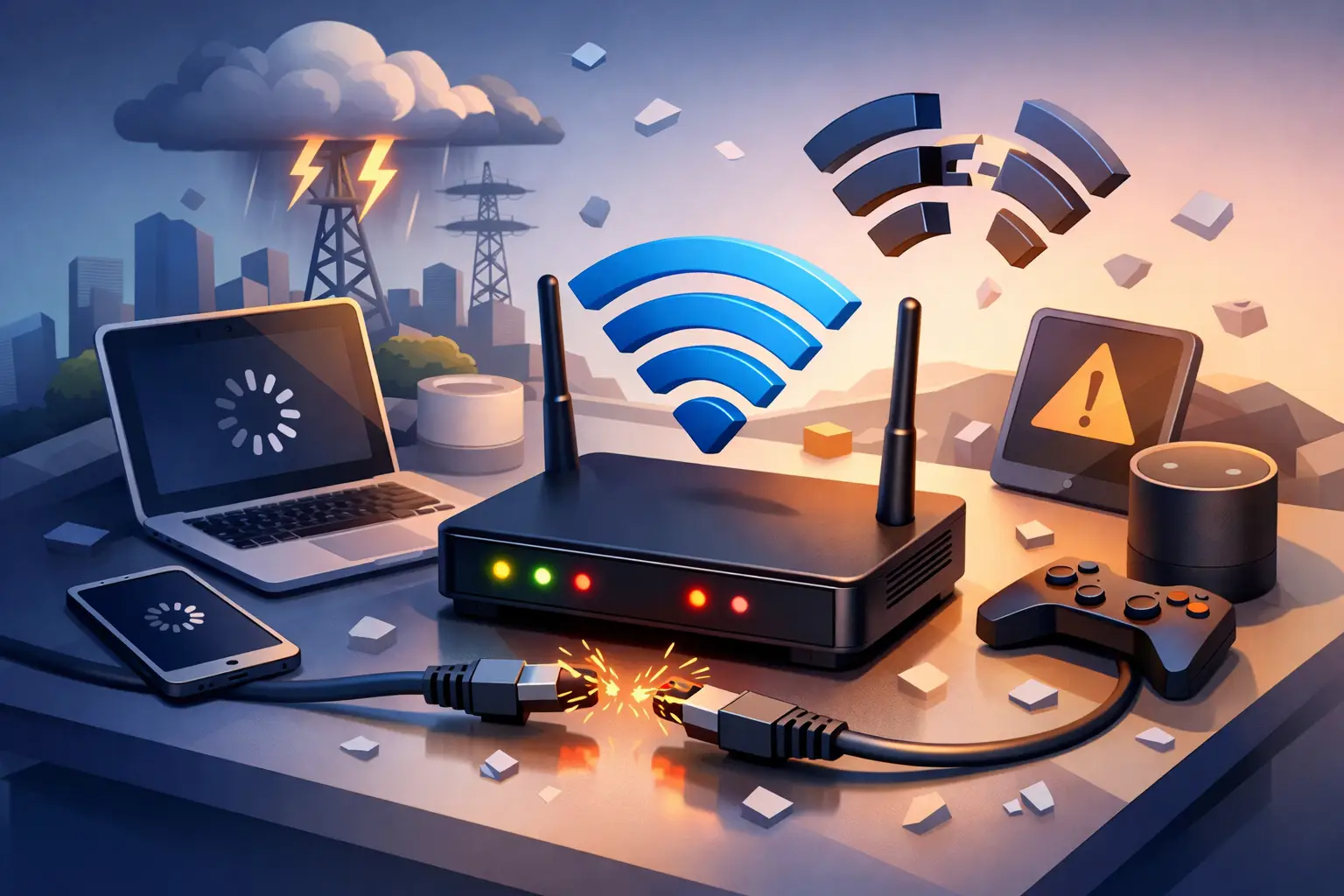
You notice it fastest when you’re in the middle of something that matters – a Zoom call freezes, Netflix buffers at the worst moment, EFTPOS stalls, or your file upload fails at 98%. If you’ve been asking, why does my internet drop out, the answer is usually not one single fault. Dropouts tend to come from a weak point somewhere between your device, your modem, your in-home setup, and the network delivering the service.
The good news is that many internet dropouts follow a pattern. Once you know where that pattern starts, it becomes much easier to fix the issue or explain it clearly when you contact support.
Why does my internet drop out at home?
For most households, the problem sits in one of three places: Wi-Fi interference, modem issues, or the connection type itself. Those causes can look the same from your end because the result is identical – the internet stops working. But the fix changes depending on whether the problem is inside your home or further upstream.
Wi-Fi is often the first suspect, especially in busy homes with multiple people streaming, gaming, working, and syncing devices all at once. Your broadband connection may still be active, but if the Wi-Fi signal is weak or congested, it can feel like the internet has dropped out completely. This is common in larger homes, double-brick properties, units with lots of nearby networks, and rooms that sit a long way from the modem.
Modems and routers can also become unstable over time. Heat, ageing hardware, outdated firmware, and poor placement all affect performance. A modem tucked into a cabinet, sitting behind a TV, or surrounded by other electronics can struggle more than people realise.
Then there is the access technology itself. NBN, fixed wireless, satellite, OptiComm and private fibre all behave differently. Some are more sensitive to weather, line quality, signal congestion, or local infrastructure issues than others. That means two neighbours can both have “internet dropouts” while dealing with completely different root causes.
The difference between a Wi-Fi problem and an internet problem
This is the first thing worth checking because it saves a lot of time.
If only one device disconnects, or the issue only happens in certain rooms, you are probably dealing with Wi-Fi rather than a full service dropout. If every device loses access at once, including anything connected by Ethernet, the issue is more likely with the modem, the line, or the service itself.
A simple test helps. When the dropout happens, see whether your modem lights change. If the Wi-Fi light stays on but the internet or WAN light drops out, that points to the service. If the modem stays connected but your laptop or mobile loses connection, the issue is likely inside your home network.
That distinction matters because changing providers will not fix poor modem placement, and moving the modem will not resolve a line fault in the street.
Common reasons your internet drops out
Interference is a major one. Wi-Fi signals compete with neighbouring networks, smart home devices, baby monitors, wireless speakers and sometimes even microwaves. The 2.4 GHz band travels further but is usually more crowded. The 5 GHz band is faster but weaker over distance. If your devices keep hopping between the two, you can get moments of instability that feel like random dropouts.
Network congestion can also be a factor, particularly in the evening when more users are online. This does not always cause a hard disconnect, but it can make the service appear to fail if speeds fall too low for video calls, gaming, cloud backups or business applications.
Line quality is another common cause on copper-based services. If your connection relies on older infrastructure, physical line conditions can affect stability. Corrosion, water ingress, damaged cabling, or a poor internal socket can lead to repeated dropouts, especially during bad weather.
For fixed wireless and satellite users, signal conditions matter more. Heavy rain, storms, line of sight issues, or local tower demand can all affect consistency. Regional and remote users often deal with environmental factors that metro fibre customers simply do not see.
In business settings, the issue may be broader than internet access alone. Firewalls, SD-WAN policies, VoIP configuration, VPN load, or failing switches can all create symptoms that look like internet dropouts. That is why business troubleshooting needs a slightly wider lens.
Why does my internet drop out at the same time every day?
When dropouts happen on a schedule, there is usually a trigger rather than a random fault.
It could be peak-hour congestion, an automatic firmware update, a scheduled cloud backup, or the moment everyone in the house gets online after school or work. In offices, it may line up with daily backups, large file sync jobs, or voice traffic spikes. If the issue appears at roughly the same time each day, note the time and what is happening on the network. Patterns like that are useful because they point to load, automation, or recurring interference instead of general instability.
This is also where device count matters. A household with two people browsing casually puts very different pressure on a network compared with a home full of 4K streaming, gaming consoles, smart TVs, cameras, and work laptops. The same goes for a business running cloud apps, VoIP and video meetings across multiple staff.
What you can check before calling support
Start with the modem location. Put it in an open, central spot off the floor and away from thick walls, metal objects and electronics. It sounds basic, but poor placement is one of the most common causes of unreliable Wi-Fi.
Next, restart the modem properly. Turn it off, wait a minute, then power it back on. This clears temporary faults and gives the service time to re-establish a clean session. If the issue improves briefly and then returns, that suggests an underlying fault still needs attention.
If possible, test with an Ethernet cable. A stable wired connection during a Wi-Fi dropout tells you the internet service is probably fine and the wireless network is the weak point. If wired devices also drop out, the issue is more likely with the service or modem.
Check for older hardware too. Not every modem handles modern usage well, especially in busy homes or small businesses. If the device is several years old, struggles under load, or regularly overheats, replacement may be the practical fix.
It also helps to disconnect anything non-essential for a short period and see whether stability improves. That can reveal whether one device or application is saturating the connection.
When the problem is likely outside your premises
If the modem repeatedly loses sync, if dropouts happen across all devices, or if weather seems to trigger the issue, the fault may sit beyond your home or office. That could mean a line issue, access network problem, external cabling fault, or infrastructure maintenance.
This is where detailed reporting helps. Note how often the dropout happens, whether modem lights change, whether it affects wired and wireless devices, and whether weather or time of day seems to play a part. A good provider can use that information to isolate the fault faster and decide whether further testing, a modem review, or escalation is needed.
For business customers, continuity matters just as much as fault resolution. If your office depends on cloud systems, VoIP, remote access, or payment terminals, even short dropouts can become a real operational issue. In those cases, it may be worth reviewing whether the current service type, modem setup, failover option, or managed network design still matches your needs.
How to reduce future dropouts
Not every dropout can be prevented, but many can be reduced with a stronger setup. A quality modem, sensible placement, updated firmware, and the right service for your usage make a real difference. Larger homes may benefit from a mesh Wi-Fi system rather than trying to push one modem through multiple walls. Businesses may need a more resilient network design with better hardware, segmentation and backup connectivity.
Just as importantly, your connection should suit the way you actually use it. A family with heavy evening streaming, a regional property relying on wireless access, and a multi-site business running voice and cloud platforms all need different solutions. Reliable internet is not just about top speed – it is about consistency, support, and having the right technology in place.
If you keep asking, why does my internet drop out, treat it as a signal rather than a mystery. The cause is usually traceable, and once you know whether the issue sits with Wi-Fi, hardware, load or the network itself, the path forward becomes much clearer. When the basics have been ruled out, a locally based provider with solid technical support can help you get to the real issue faster and keep your connection working the way it should.